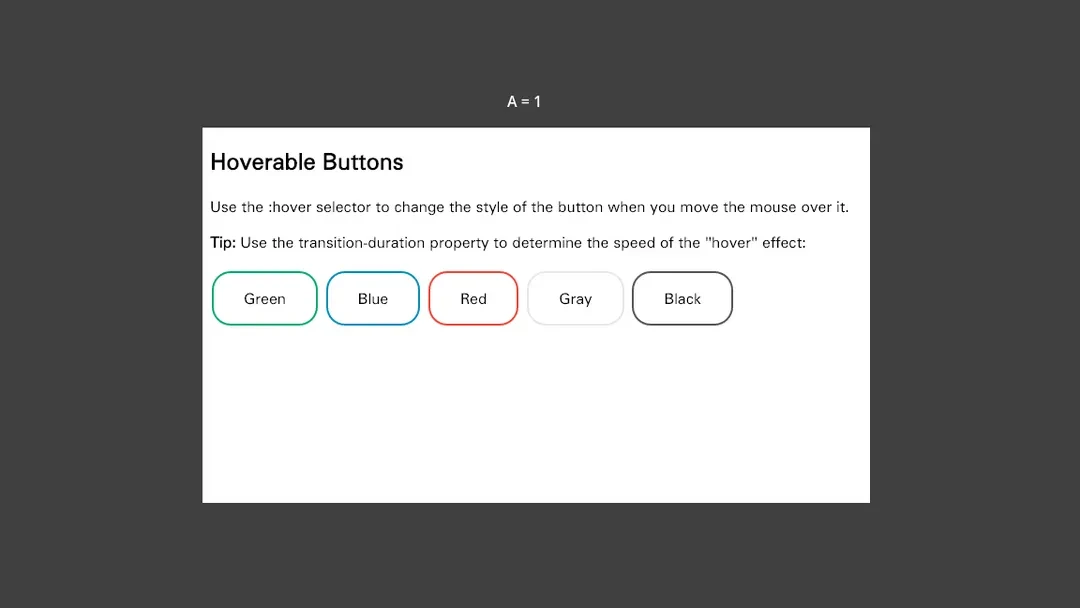
从按钮悬停到 C# 回调。JavaScript 调用 Godot 方法并修改公开属性,原生标签立即反映变化。
已暂停
函数与对象绑定
GODOT × WEB × NATIVE
用 HTML 与 CSS 描绘界面,用 JavaScript 连接游戏逻辑。将网页放进 HUD、背包,甚至你的 3D 世界。
HTML / CSS / JavaScript
C# / GDScript
2D 与 3D 场景
01 / THE COLLECTION
Godot 原生运行 · 实际录制
无声录制 · 示例需在 Godot 中运行
从按钮悬停到 C# 回调。JavaScript 调用 Godot 方法并修改公开属性,原生标签立即反映变化。
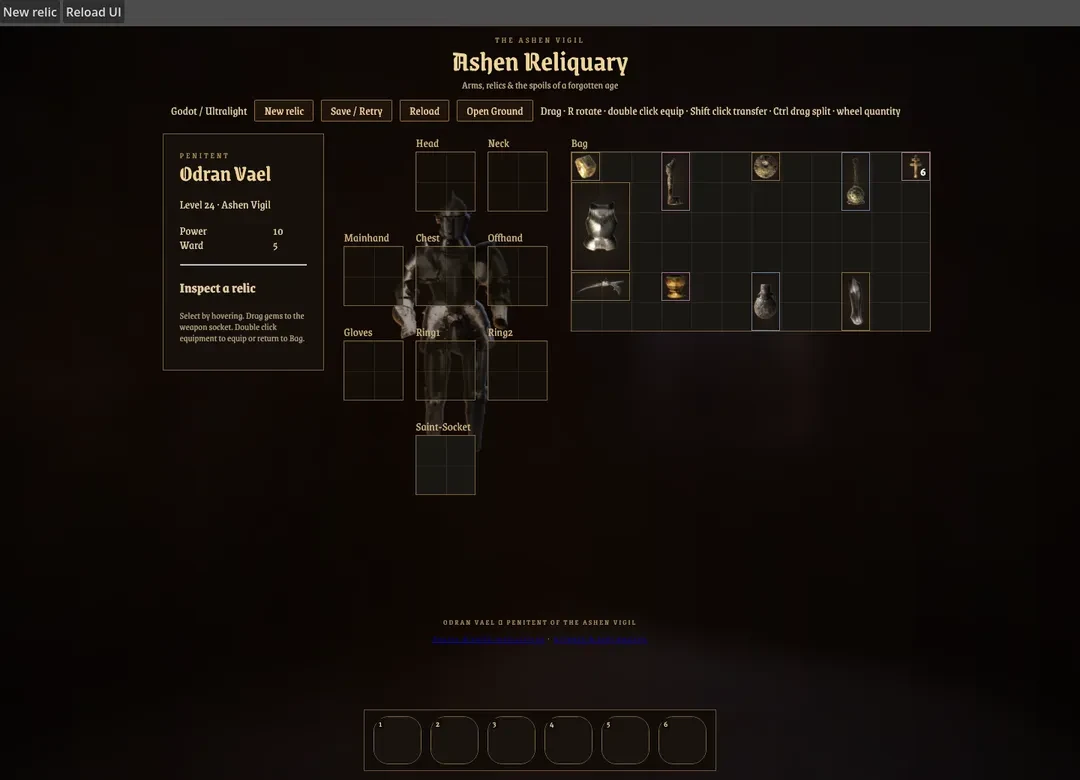
穿戴装备、镶嵌宝石、拆分堆叠并绑定快捷栏。C# 后端拥有背包状态,Vue 界面在收到事件后更新展示副本。
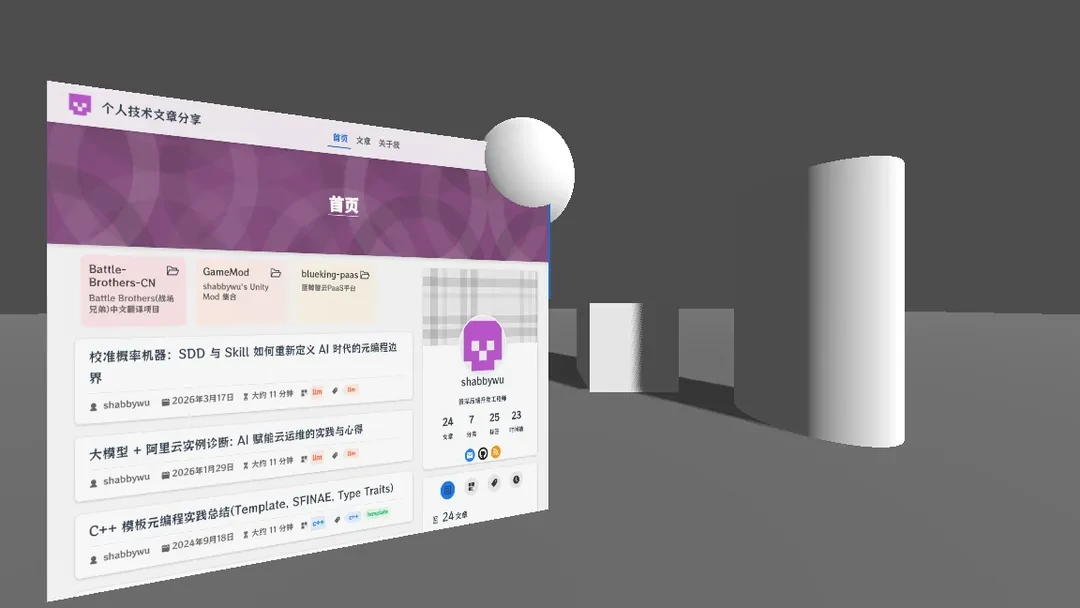
让可滚动的网页成为 3D 场景的一部分。SubViewport 将界面渲染到网格材质,物理物体与网页在同一个世界中呈现。
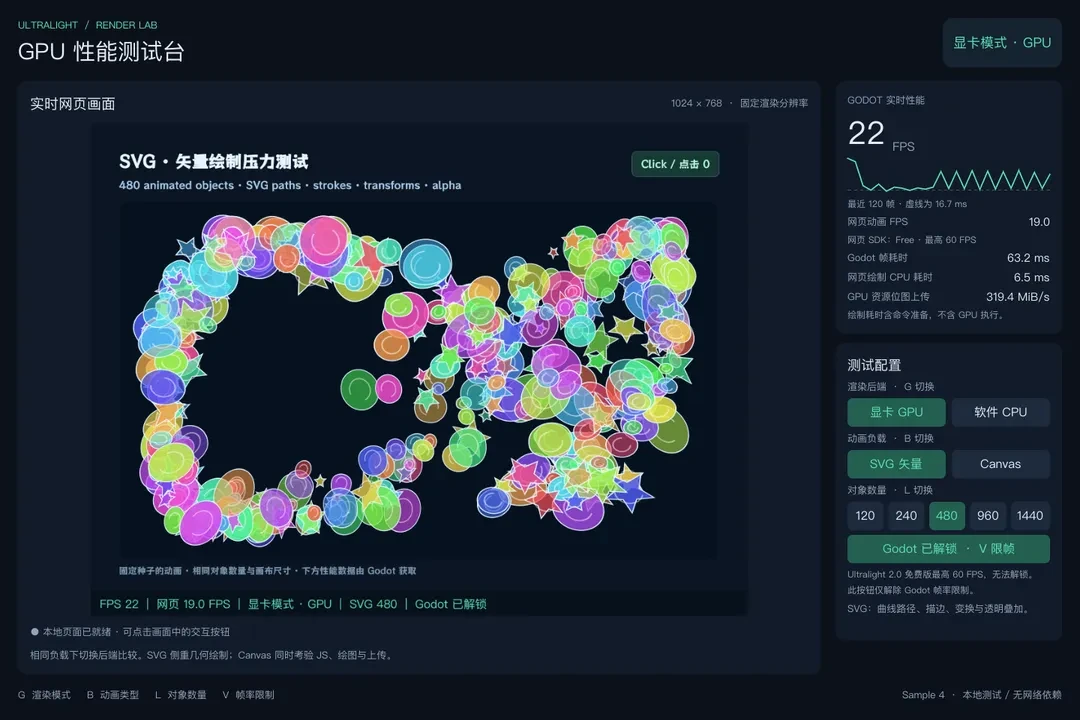
在 SVG 与 Canvas 动画中切换 GPU 和 CPU 后端,查看实时画面、渲染统计与帧耗时曲线。
02 / MAKE IT YOURS
安装扩展,添加 UltralightView,然后连接你的游戏。
从 Releases 下载适合版本的扩展包,解压到 Godot 工程根目录。确认存在 addons/ultralight-view/ultralight-view.gdextension。
your-project/
├── project.godot
└── addons/
    └── ultralight-view/
        ├── ultralight-view.gdextension
        └── bin/
Godot 4.3+ · Windows x86_64 / Linux x86_64 / macOS arm64
添加名为 UltralightView 的节点并设置有效尺寸,用 UltralightAPI 注册业务接口后附着到 View。注册项会在新文档中自动恢复,无需手动重绑。C# 需安装包内的 csharp 源码、Godot .NET 与兼容的 .NET SDK。
extends Control

@onready var view = $UltralightView
var api = UltralightAPI.create("game")

func _ready():
    api.register_function("greet", func(name: String):
        return "Hello, " + name)
    api.attach(view)
    var loading = view.load_url("file:///ui/index.html")
    if not loading.is_completed():
        await loading.completed
    if not loading.get_result().ok:
push_error(loading.get_result().error.message)using Godot;
using Ultralight;
public partial class WebUI : Control
{
private UltralightApi api;
public override async void _Ready()
{
var view = UltralightViewClient.Wrap(GetNode<Control>("UltralightView"));
api = new UltralightApi("game");
api.Register("greet", Callable.From((string name) => "Hello, " + name));
api.Attach(view);
await view.LoadUrlAsync("file:///ui/index.html");
}
public override void _ExitTree() => api?.Dispose();
}将以下文件保存到工程的 ui/index.html。
<!doctype html>
<html lang="en">
<body>
  <button onclick="document.querySelector('p').textContent = game.greet('Godot')">Say hello</button>
  <p></p>
</body>
</html>